

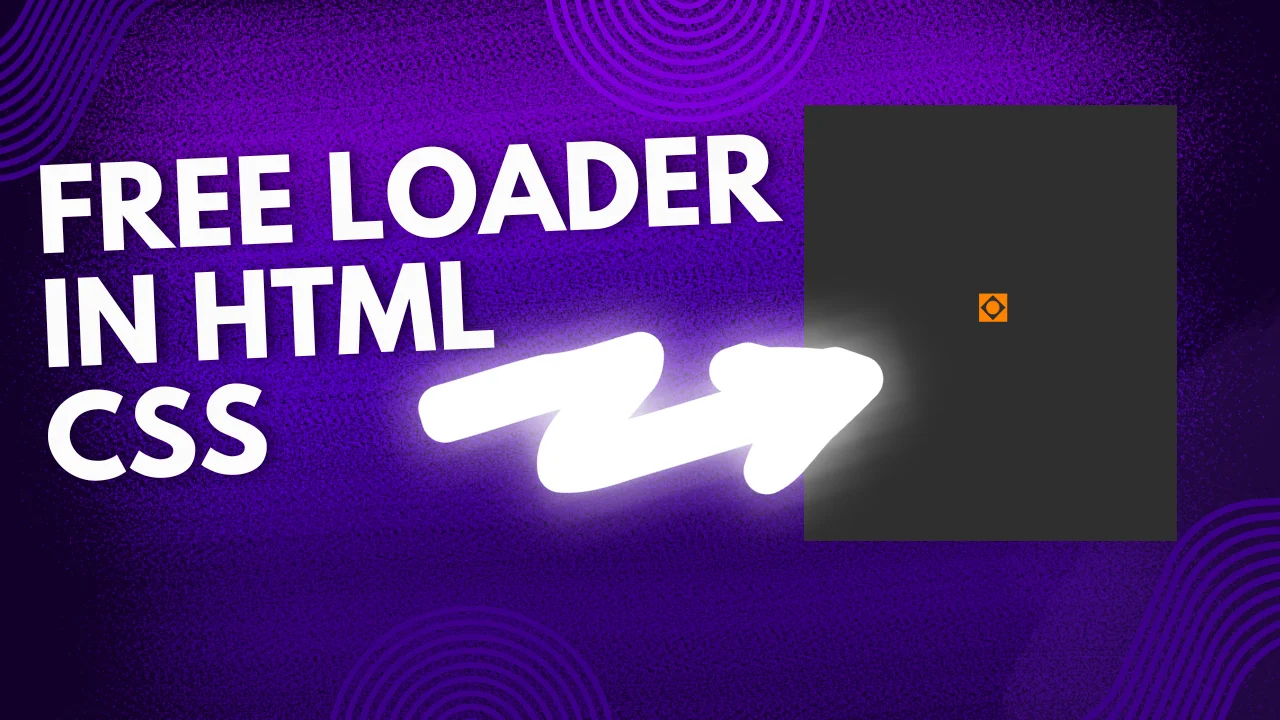
Enhancing user experience with smooth and visually appealing animations is essential for modern web design. A well-crafted animation can make a website feel more interactive, engaging, and polished, leaving a lasting impression on visitors. One of the most effective ways to keep users engaged during page load times is by implementing a website loader, which provides a visual cue that the content is being processed. Instead of showing a blank screen or static loading text, a sleek and modern square website loader adds an element of sophistication and professionalism. In this article, we will provide you with a free, stylish, and fully responsive square website loader using HTML and CSS, ensuring that your website maintains a seamless and aesthetically pleasing experience for users across all devices.
Why Use a Website Loader?
A website loader serves multiple purposes:
- Improves User Experience: A well-designed loader ensures users are aware that the page is processing instead of being unresponsive. This helps to manage user expectations and prevents frustration, especially on slower network connections.
- Enhances Aesthetic Appeal: Adds an interactive touch to your website, making it look more professional and polished. A smooth animation provides a sense of continuity and refinement.
- Reduces Bounce Rate: Users are more likely to stay on your site if they see an engaging animation rather than a blank screen. A visually appealing loader reassures users that content is being prepared, preventing premature exits.
- Strengthens Brand Identity: Custom loaders can align with your brand colors, themes, and aesthetics, helping to create a cohesive visual experience.
- Optimizes Perceived Performance: Even if loading times remain the same, an engaging animation can make the wait feel shorter, improving user satisfaction.
How the Square Loader Works
The square loader we’ve created uses CSS animations and gradients to produce a visually engaging effect. It rotates and expands dynamically to indicate loading progress.
CSS Code
Below is the CSS code that powers this smooth and stylish square loader:
.loader {
  width: 44.8px;
  height: 44.8px;
  color: #ff8300; /* Updated color */
  position: relative;
  background: linear-gradient(to bottom right, currentColor 44%, #0000 45%);
  background: radial-gradient(11.2px, currentColor 94%, #0000);
  border-radius: 8px; /* Slight rounding for a squared look */
}

.loader:before {
  content: '';
  position: absolute;
  inset: 0;
  background: linear-gradient(to top left, #0000 44%, currentColor 45%) top left,
              linear-gradient(to top right, #0000 44%, currentColor 45%) top right,
              linear-gradient(to bottom left, #0000 44%, currentColor 45%) bottom left,
              linear-gradient(to bottom right, #0000 44%, currentColor 45%) bottom right;
  background-size: 22.4px 22.4px;
  background-repeat: no-repeat;
  animation: loader 1.5s infinite cubic-bezier(0.3, 1, 0, 1);
}

@keyframes loader {
  33% {
    inset: -11.2px;
    transform: rotate(0deg);
  }

  66% {
    inset: -11.2px;
    transform: rotate(90deg);
  }

  100% {
    inset: 0;
    transform: rotate(90deg);
  }
}
HTML Code
To add the loader to your website, place the following HTML code within your page:
<!DOCTYPE html>
<html lang="en">
<head>
    <meta charset="UTF-8">
    <meta name="viewport" content="width=device-width, initial-scale=1.0">
    <title>Square Loader Animation</title>
    <link rel="stylesheet" href="style.css">
</head>
<body>
    <div class="loader"></div>
</body>
<style>
        body {
            display: flex;
            justify-content: center;
            align-items: center;
            height: 100vh;
            margin: 0;
            background-color: #2f2f2f; /* Optional background color */
        }
</style>
</html>

How to Implement
- Copy the HTML code and place it inside your webpage where you want the loader to appear.
- Copy the CSS code and insert it into your CSS file or inside a
<style>tag within the<head>of your HTML document. - To customize, you can change the color, size, or animation duration in the CSS.
Conclusion
This free square website loader is an excellent way to enhance your site’s aesthetics and keep visitors engaged while content loads.
If you found this helpful, don’t forget to like, share, and subscribe to TechWrath TV for more freebies and web development resources!


